
Free · Windows 10 and 11
Start playing
The launcher does the work: it checks your copy of the game, makes a play copy, sets up your account and starts the game signed in.
Download coming with the public beta
- Needs
- Windows 10 or 11, 64-bit, and your own copy of the client
- Launcher
- RevivedOnline.exe, no administrator rights
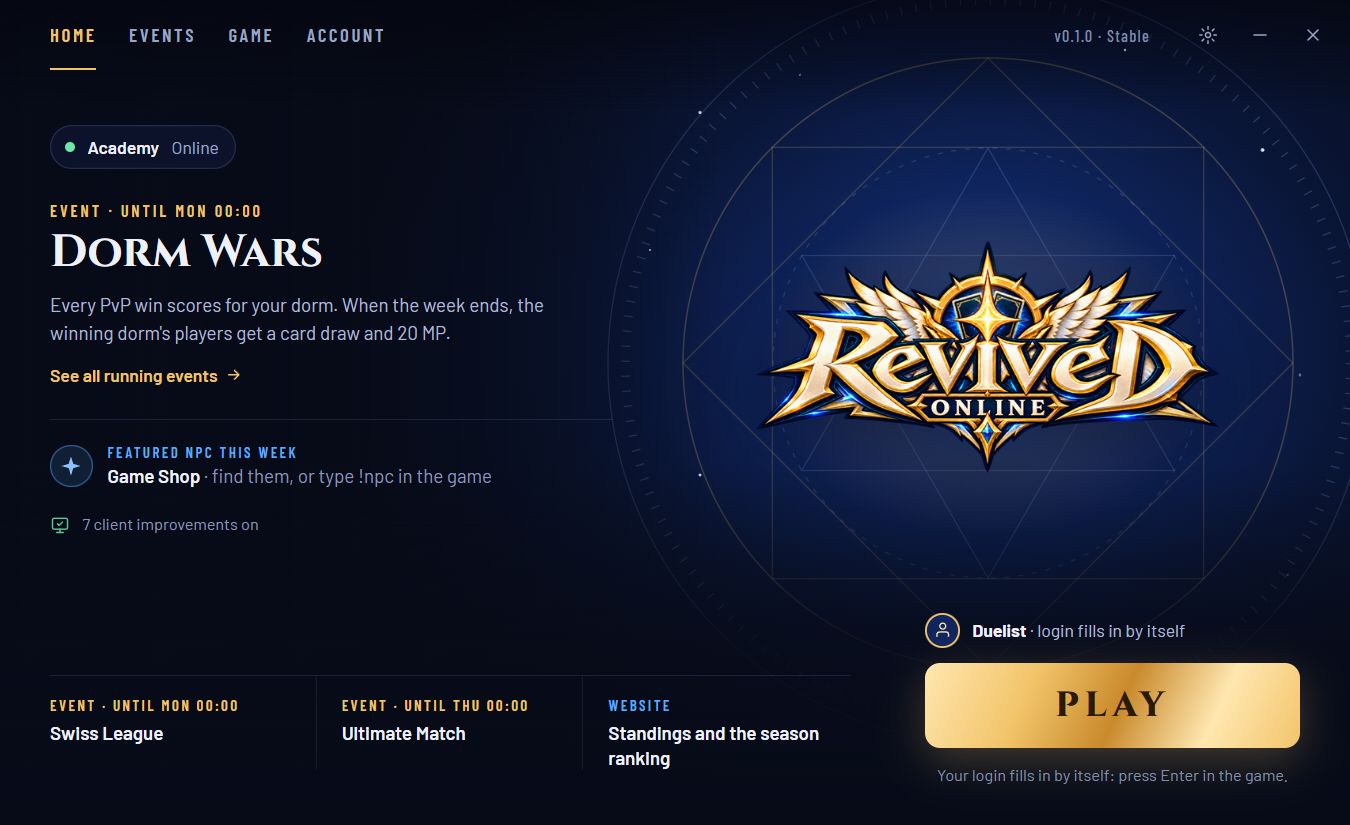
One window, one button
- Checks your copy and your PC before every start, and says what to fix
- Signs you in once; the game's login fills itself in, you press Enter
- Your password is never saved: every start gets its own one-time code
- A sharp, borderless picture on today's screens
- Help when the game crashes or freezes, with an opt-in report
- This week's events and featured NPC at a glance
Four steps
- 1Have your own copyYou need the original 2008 client, installed or as its setup file. We can't provide it or point you to one.
- 2Run the launcherIt looks for your copy and checks every file against the known build, then makes a play copy.
- 3Sign in onceCreate an account or sign in. Keep the recovery code you're shown somewhere safe.
- 4Press PLAYThe game opens with your login filled in. Start with the starter decks and the gentlest NPCs.
Questions
Where do I get the game?
You need your own copy. This site doesn't provide one and doesn't say where to find one.
Does anything cost money?
No. There is no shop and nothing to buy. Every card comes from playing.
The launcher says my copy isn't supported
The server plays with the 2008-11 build of the client. The launcher names the build it found and the files that differ.
What does the launcher keep on my PC?
A play copy of your game, your settings, and a sign-in token protected by Windows. Your password goes to the server only and is never saved.